Remove Metadata from Your Files
Protect your privacy by removing GPS coordinates, device details, and personal data from photos, videos, and documents. Process thousands of files effortlessly - all on your computer.
Available on the Microsoft Store
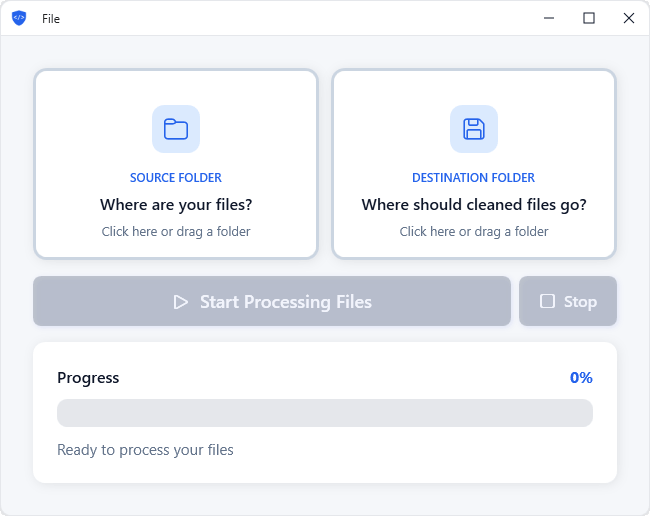
Your Files May Share More Than You Think
Photos, documents, and videos often contain embedded information called metadata. This data can reveal:
This metadata stays embedded in your files even when you share them online, potentially exposing your private information.
MetaScrub removes it - fast, secure, and private.
Features
View & Remove Metadata
See exactly what's hidden in your files before removing it. View EXIF data, GPS coordinates, author details, and more.
80+ File Formats Supported
Process photos, documents, and videos in all major formats. Comprehensive support for everything from JPEGs to raw camera files.
Batch Processing
Process thousands of files at once. Simply select your source and destination folders, click Start, and watch as MetaScrub produces cleaned files in seconds.
100% Local Processing
Your files never leave your computer. No cloud uploads and no third-party servers.
How It Works
Choose a Source
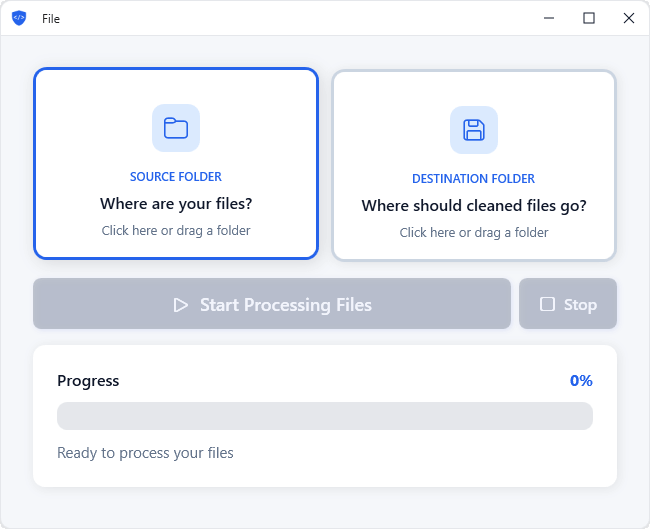
Choose the folder containing the files you want to clean.
Choose a Destination
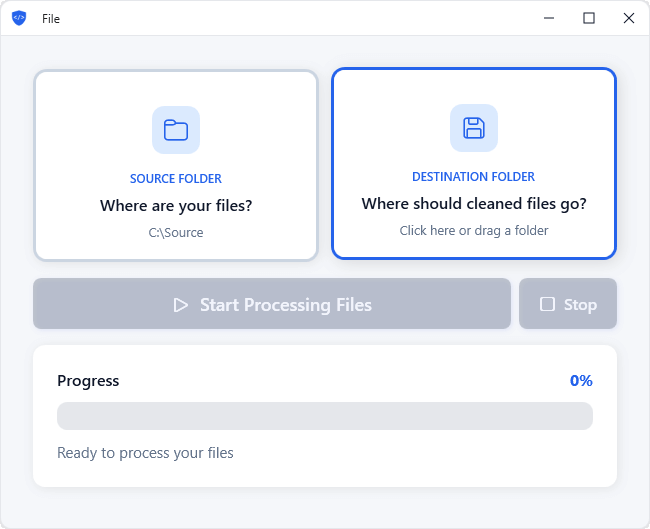
Select where to save your cleaned files.
Start Processing Files
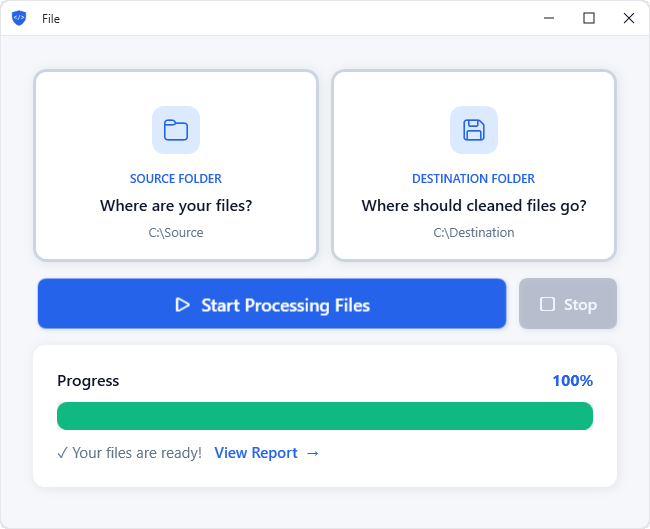
MetaScrub processes your files and removes metadata.
Powerful Control Options
Smart Processing
Automatically include subfolders and get confirmation before processing large batches. Skip files that already exist to avoid duplicates.
File Type Selection
Choose which file types to process - images, documents, videos, or all of them. You have full control over what gets cleaned.
Remember Settings
MetaScrub remembers your source and destination folders, making repeat processing quick and effortless.
Supported File Types
Images
- HEIC
- JPEG
- PNG
- WEBP
Documents
- DOCX
- XLSX
- PPTX
Videos
- MP4
- MOV
- 3GP
- F4V
View all 80+ supported file formats →
Why MetaScrub?
🔒 Privacy First
100% local processing. We never see your files or metadata.
🎯 Easy to Use
Simple, intuitive interface. Select folders, click Start, done.
⚡ Lightning Fast
Process thousands of files in seconds with efficient batch processing.
Ready to Get Started?
Download MetaScrub for Windows
Remove hidden metadata from your files in seconds.
Get MetaScrubAvailable on the Microsoft Store